Lebanon's own restaurant payment solutioncoming soon
Scan. Split. .
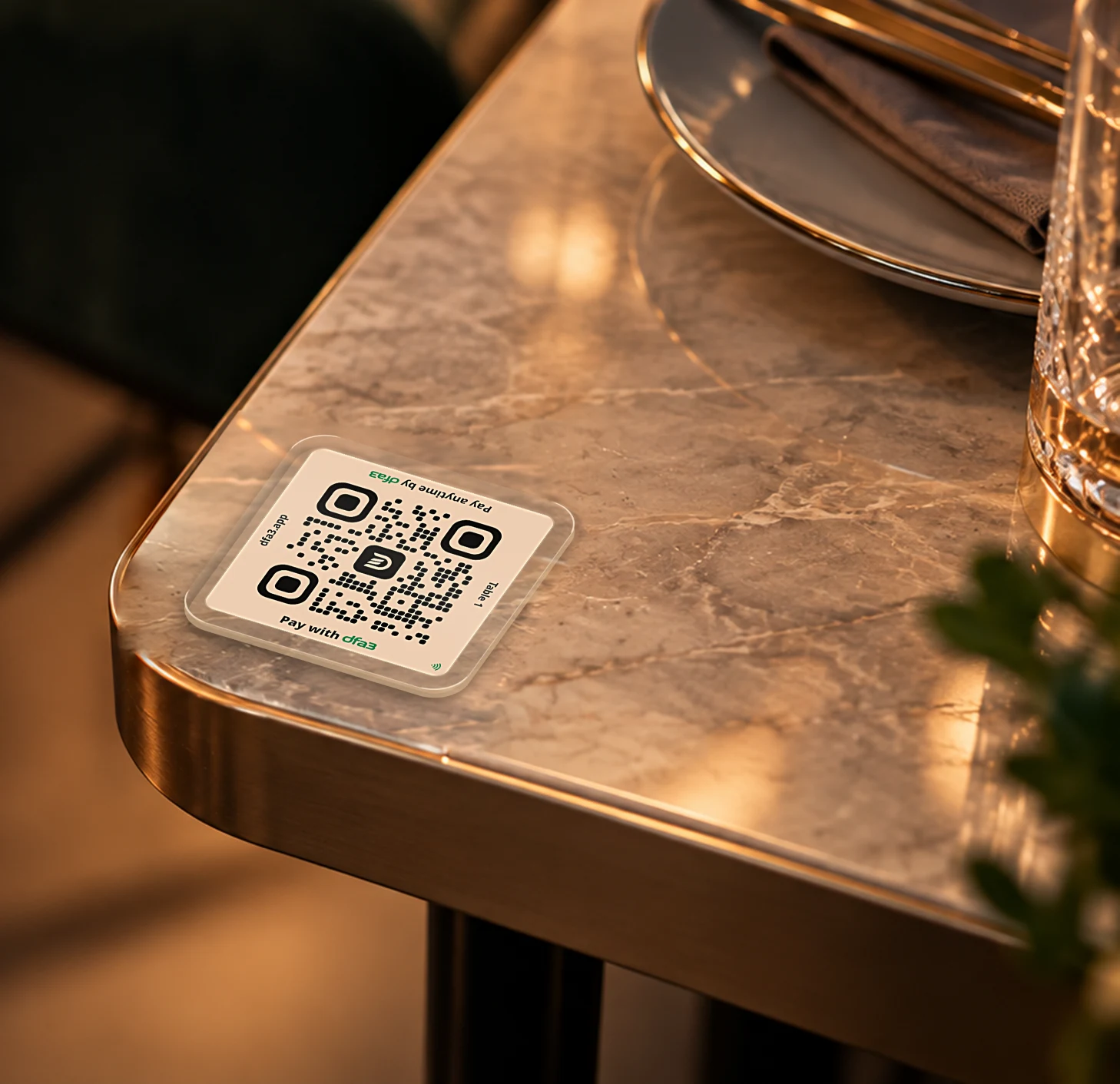
QR and NFC table payments.
No waiting for the bill. Split with friends and pay right from your phone.
- No app needed
- Split by item
- Cash or card
- Tips per waiter
Pay right from the table.
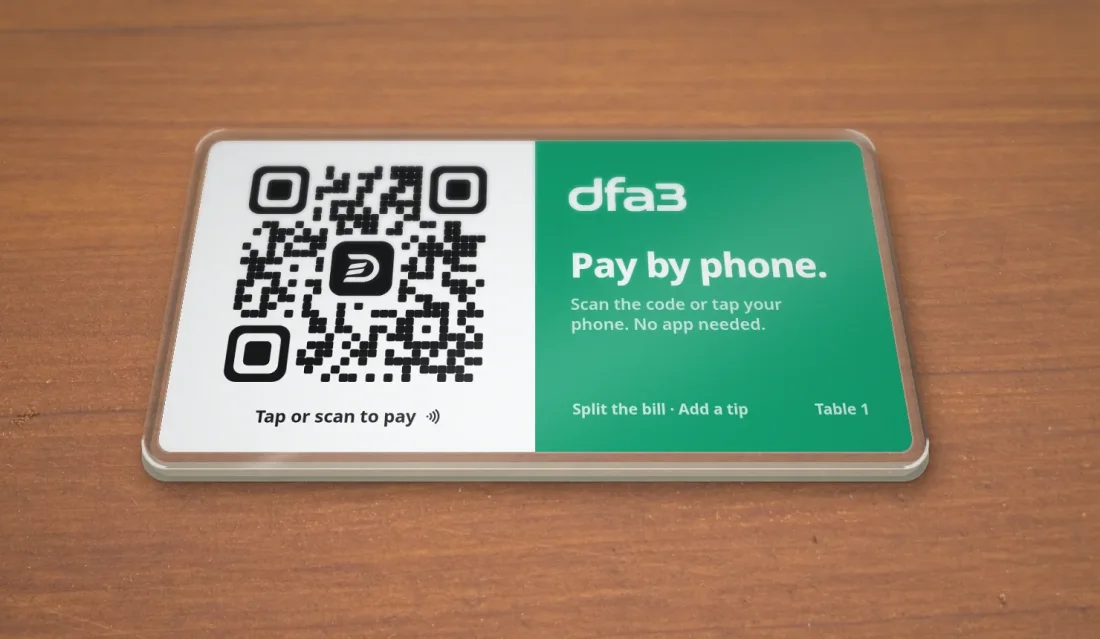
- Tap or scanthe tag on the table
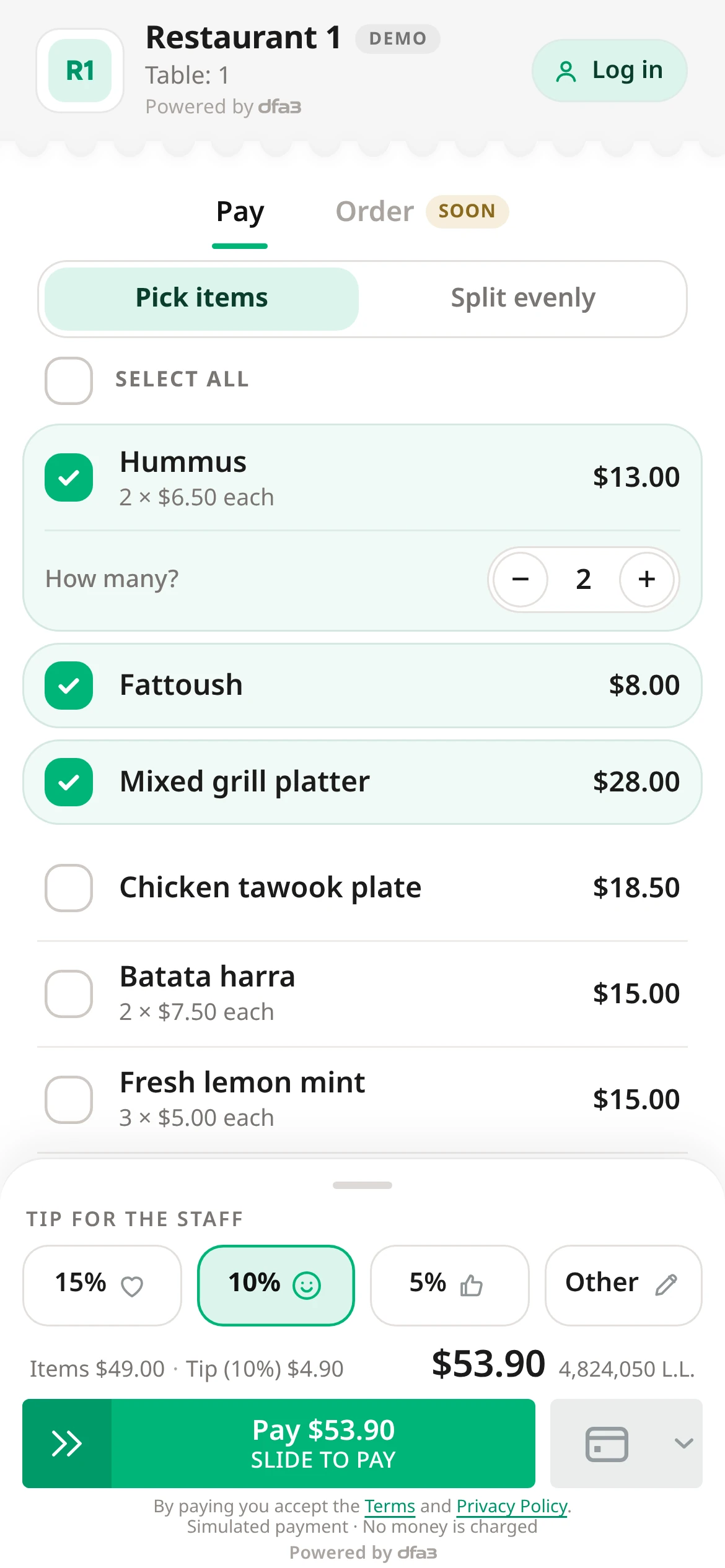
- Splitby item or evenly
- Paycash or card
For guests
Pay when you're ready.
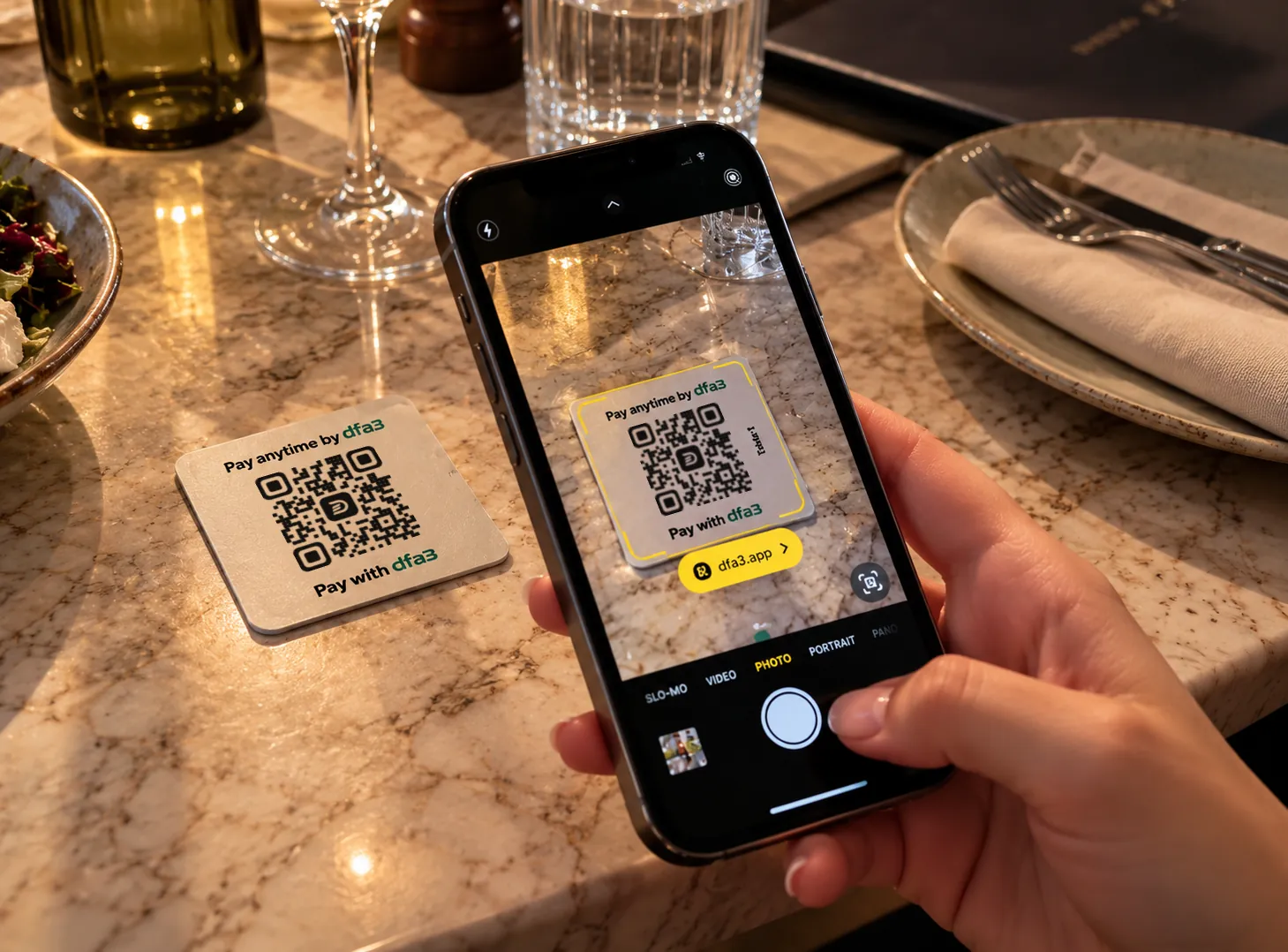
No app. Just tap or scan.
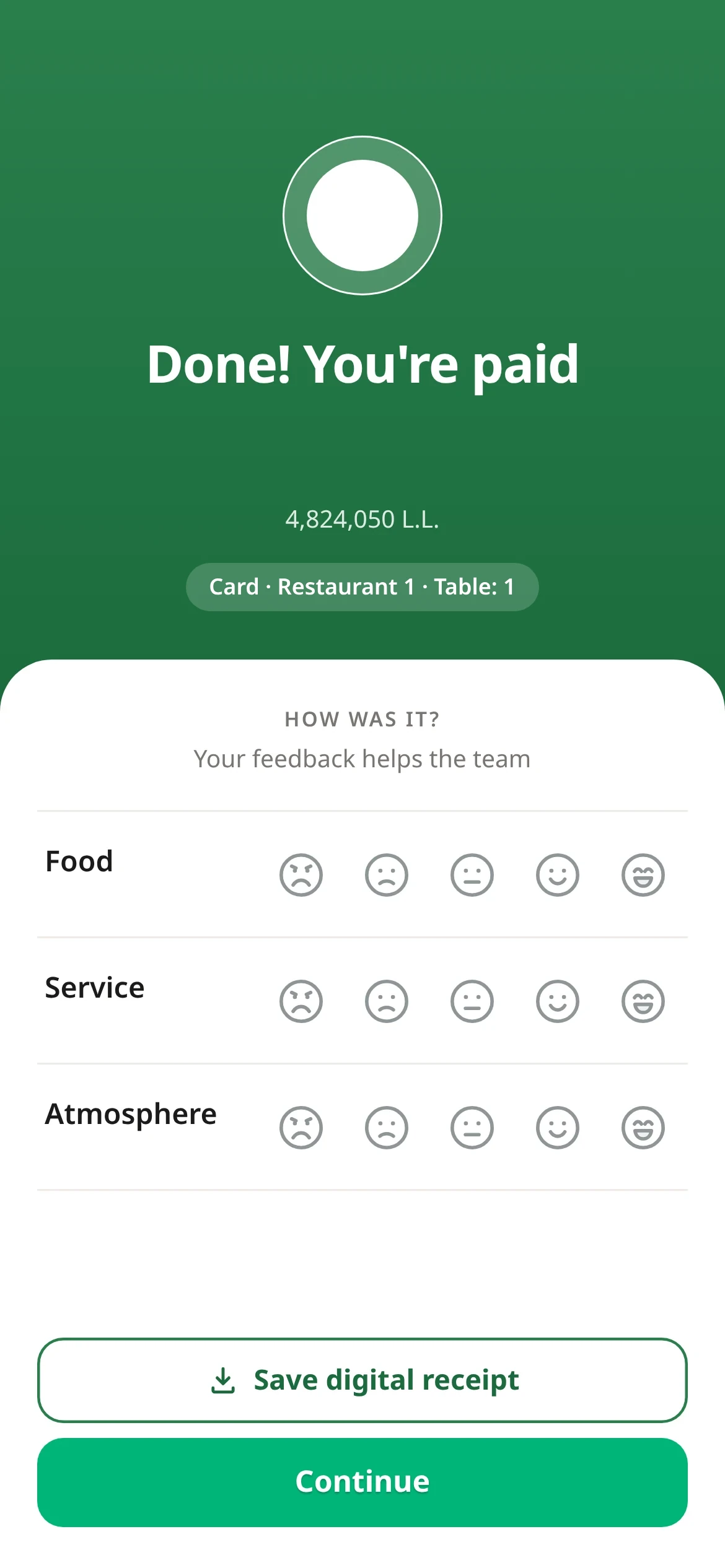



Tap the phone for the next step
Pay when ready
No waving for the bill.
Split your way
By item or evenly.
Tip in a tap
Pick a tip. Done.
Cash or card
Your call.
For restaurants
Meanwhile, at the counter.
Every table, every payment, live.
Every table on one map. Bills in a few taps.
Faster table turns
Guests pay when they're ready. No chasing the bill.
Fewer order mistakes
Waiters add items. Guests see the same bill.
Live payments
Every payment pops up on your screen.
Stats that matter
Sales, tips and best sellers, day to month.
Modules and branding
Tailored to your restaurant.
From features to colors.
Choose the modules you need and the look you want. We set it up around your brand.
1. Choose your modules
Start with what you need. Add more anytime.
- QR PaymentsGuests scan the table and pay.
- Split BillBy item or evenly, between friends.
- Tips for StaffTips go to the table’s waiter.
- Call WaiterGuests ping their waiter from the QR.
- Digital MenuYour menu on guests’ phones.
- Order at TableGuests order; a waiter confirms first.
20 of 21 modules on
- Mixed grill platter$14.00
- Hummus$6.50
- Lemon mint$3.50
2. Match your brand
Make dfa3 look and feel like your restaurant.
- Your look, your styleMatch dfa3 with your brand colors, logo and table design.
- Start small, grow anytimeEnable only the modules you need and add more later.
- Made for your workflowConfigure staff, permissions and settings to fit your operations.
How to get started
- 1
Talk to us
A quick chat on WhatsApp.
- 2
We set up your tables
Each table gets its own QR sticker.
- 3
We help with the full onboarding
Menu, staff and training, ready from day one.
FAQ
Questions
Do guests need an app?
No. They tap their phone on the table tag or scan the QR, and the bill opens in their browser. They can split it, add a tip or call the waiter from there.
Which parts of dfa3 can we use?
Pick the modules you need: QR pay, split and tips, call waiter, the waiter app, the kitchen screen, the desk till, the table map, reservations and the owner view. Add more anytime.
Will it look like our restaurant?
Yes. We set dfa3 up with your logo, your colours and the QR sticker design you choose.
Who sets it up and trains the team?
We do. We set up your tables and QR stickers, then train your staff on the apps and the desk, so you're ready from day one.
What if the internet drops?
dfa3 keeps working offline. Orders are saved on the device and sync as soon as you're back online.
Cash or card?
Both. Guests pay by card on their phone, or choose cash and pay the waiter at the table.
Can we merge tables?
Yes. Pick the tables, tap Merge, and they share one bill.
What does it cost, and when can we start?
Pricing depends on the modules you choose. dfa3 is launching soon: book a free demo and we'll put together a plan for your restaurant.